
A resident opens your site at 7am because the heat stopped working. Another visitor is looking for a two-bedroom. Same homepage. Two completely different jobs.
A short guided path can send each one to the right form without making them dig through the building.
Residents and prospects shouldn’t share one scavenger hunt
Property management sites often mix resident portals, maintenance requests, available units, applications, owner resources and contact pages. That menu is useful if you already know the site. It’s a maze for someone who only needs a maintenance ticket, or only wants to see what’s for rent.
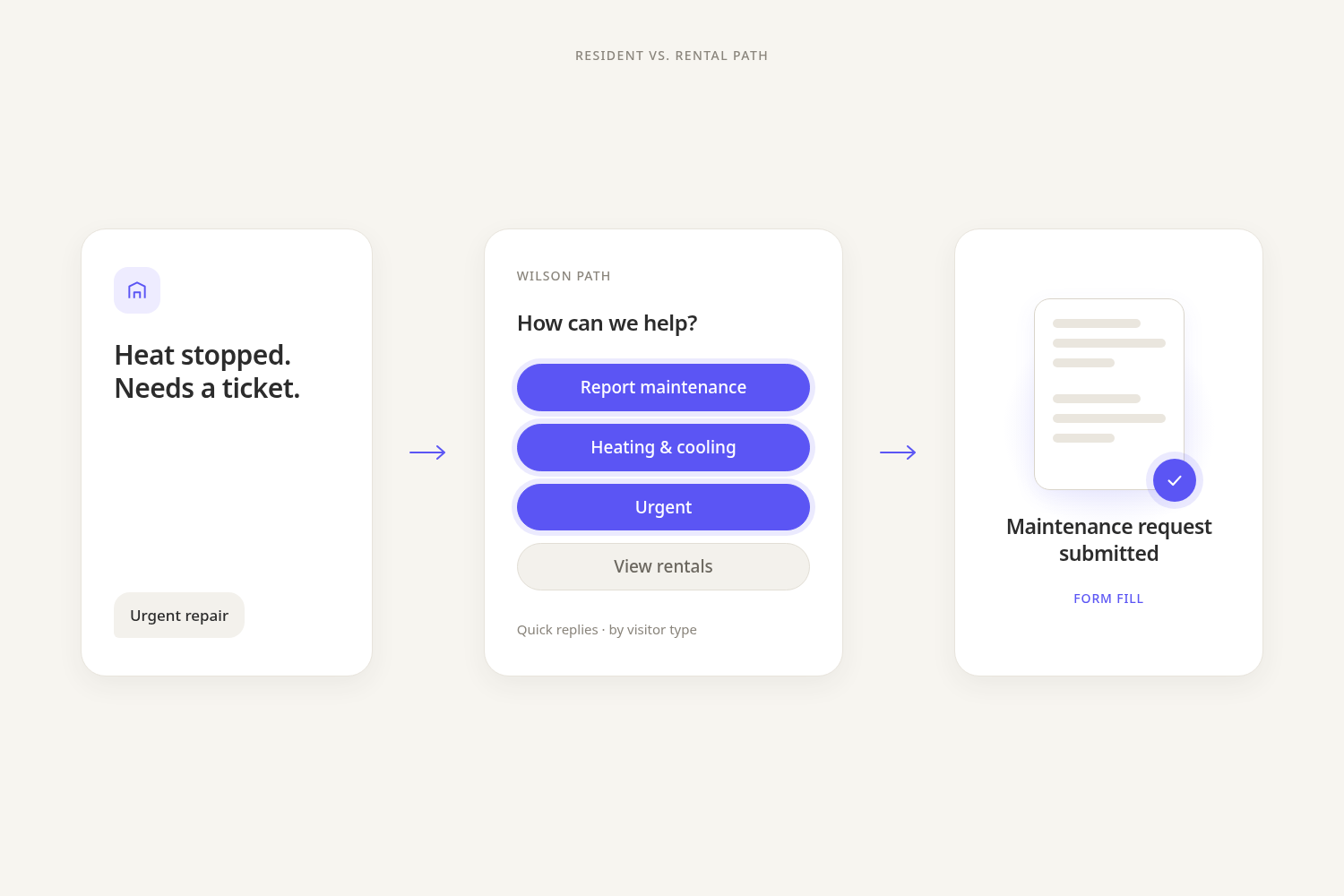
Wilson starts with a few clear choices: report a maintenance issue, view available rentals, resident portal, apply now, and FAQs. Tap Report a maintenance issue, choose heating and cooling, confirm it’s urgent, and the resident lands on the maintenance request form your team already uses. Choose View available rentals instead, and a prospect reaches the listings or inquiry page you already publish.
A guide to your pages, not a chatbot for the building
Wilson isn’t a chatbot. It doesn’t diagnose the furnace, promise a repair window or rewrite your leasing copy. It asks a couple of tap questions and guides people to the maintenance forms, rental listings and application pages you already have, so your website stays the source of truth.
Your team writes and approves every path ahead of time. There’s no improvising mid-conversation. It feels like a conversation, but it works like navigation.
Keep maintenance and leasing on separate paths
Urgent resident paths end on the maintenance form; leasing paths open listings, then an inquiry. Track form fills and drop-offs.
You decide which visitor needs which handoff. Wilson walks each one there.
How Wilson Engage helps property managers
Wilson Engage guides residents and prospects in a few taps to your maintenance and rental pages. Your team approves every path.