
They saw your laser ad, they’re interested, and they’re on their phone. They won’t dig through every service page to book.
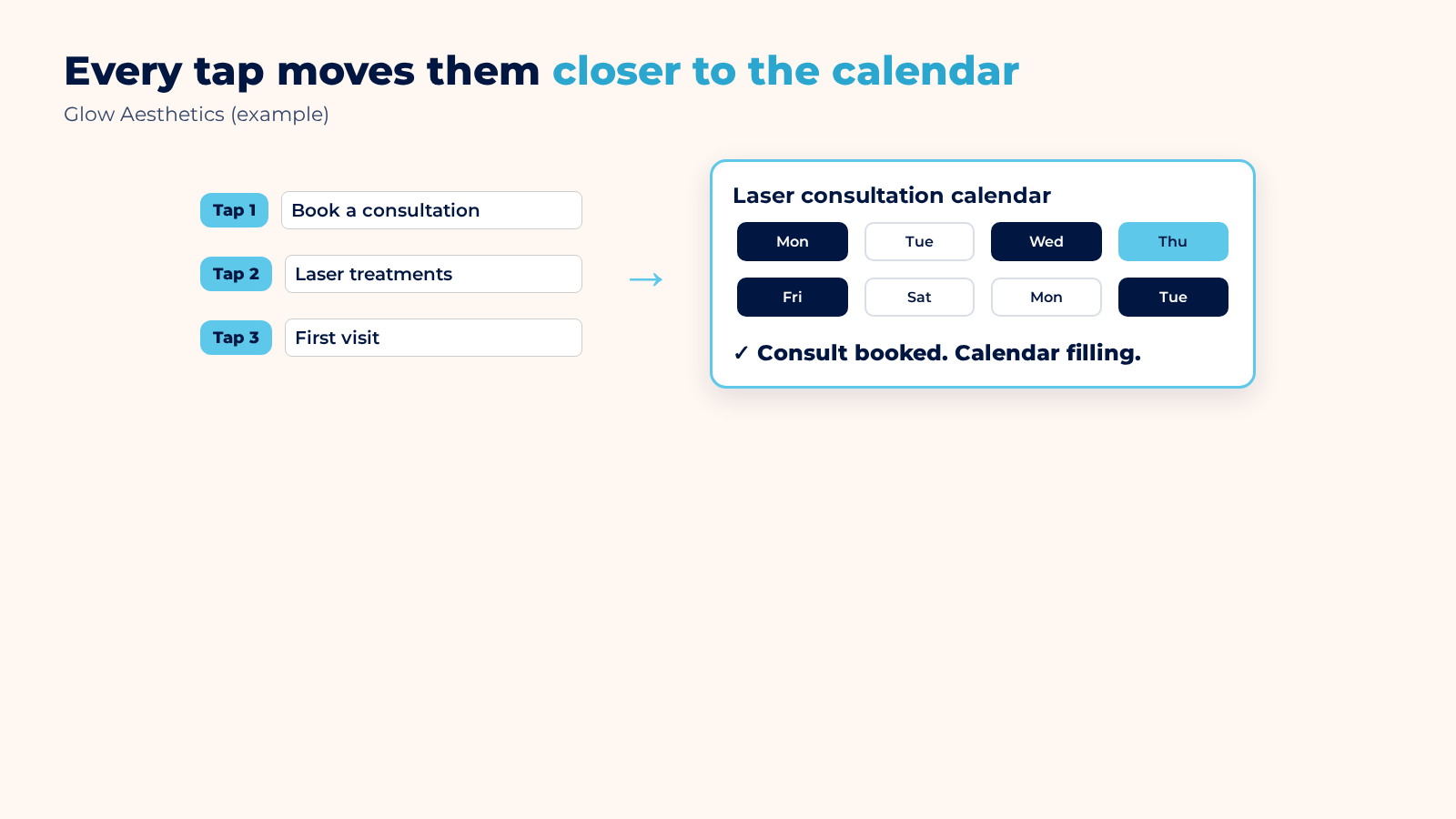
Start with the goal: the calendar
For most med spas, the website’s most important job is getting people onto the consultation calendar. A full treatment menu is great for browsing, but it gives a mobile visitor from an ad a lot of reasons to wander off.
Wilson opens with a few clear choices: explore treatments, book a consultation, memberships, and FAQs. Tap Book a consultation, choose laser, confirm it’s a first visit, and the visitor lands on your calendar for that service.
Conversational navigation, on brand
Wilson isn’t a chatbot. It doesn’t describe treatments in a chat or promise results. It asks a couple of tap questions and guides visitors to the treatment pages, membership info and booking links you already have, so your website stays the source of truth.
Your team sets up and approves every path, so visitors only see wording you chose. It feels like a conversation, but it works like navigation. See plans and pricing.
See what’s filling the calendar
Because the paths are structured, you can watch what matters: engaged sessions, clicks to key pages, form fills, calendar traffic and the steps where people drop off.
You set the goal of filling consults. Wilson walks visitors to the calendar.
How Wilson Engage helps med spas
Wilson Engage guides visitors in a few taps from your ads and homepage to the consultation calendar for the right treatment. Your team sets up and approves every path.